I forgot my password
For readers and authorsUpdated 1 min read
Ask for a reset link from the login page (Forgot password?) with the e-mail address on your account; the link works once, expires in an hour, and using it signs out every other device.
The short answer
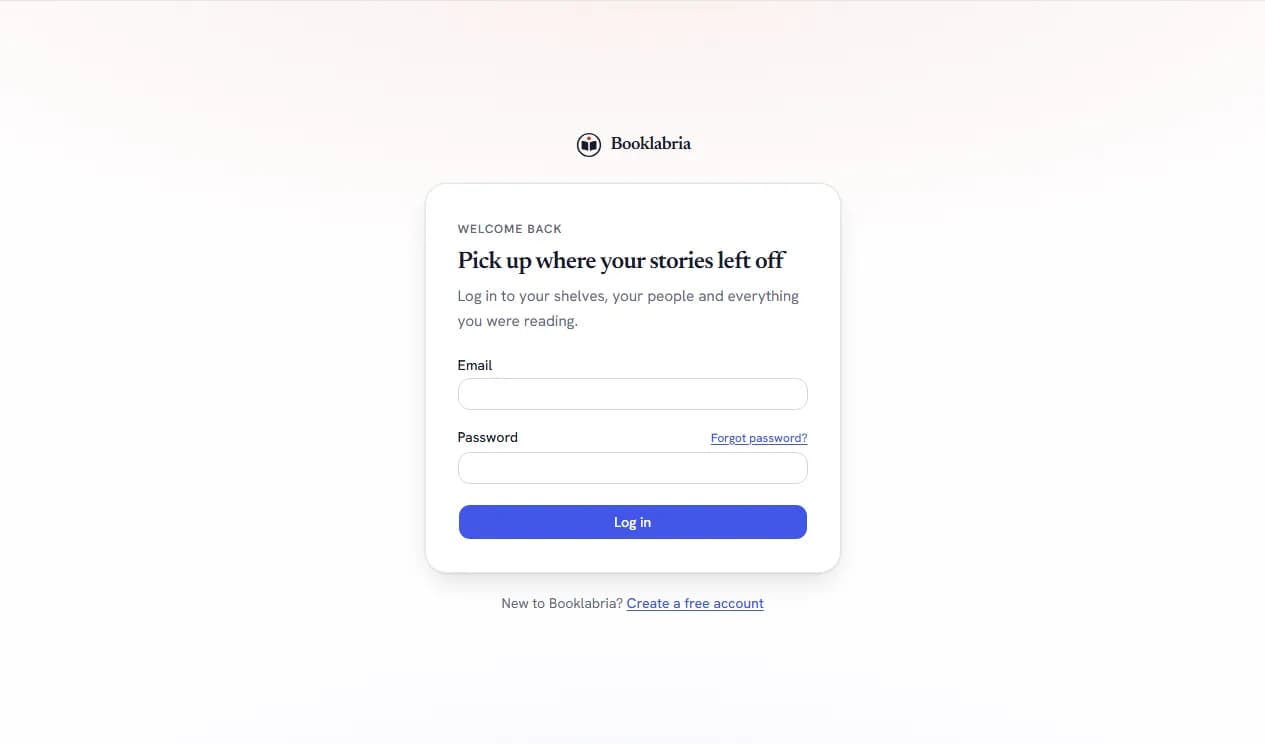
Asking for the link
- On the login page, choose Forgot password? (beside the password field), or go straight to Forgot your password?.
- Enter the e-mail address on your account and send. You see the same sentence whichever address you typed: we never confirm from this page whether an address has an account.
Using it
- Open the e-mail Reset your password and follow Set a new password. The link works once and expires an hour after it was sent.
- Choose the new password (at least 8 characters) and confirm it. You are signed in on this device, and every other device is signed out: a reset after a suspected leak that left somebody else signed in would not be a reset otherwise.
When it does not come
- Asked too often? Requests are limited per address and per connection; wait a minute and ask again.
- Nothing in the inbox? See The reset e-mail did not arrive: the spam folder, the link's lifetime, and what happens when e-mail is switched off for a beta deployment.
Signed in and simply want a different password?
That is Settings › Account: see Changing your password. Support can also send you the same reset link from your account page when you write in; staff never set a password for you.
Where this lives
Related
- The reset e-mail did not arrive: Check the spam folder and the address you typed; a link expires an hour after it was sent; when e-mail is off for a beta deployment the request is recorded and the team sends the link by hand.
- Changing your password: Signed in, change your password under Settings › Account with your current one; other devices stay signed in unless you use Sign out everywhere else. Forgotten it? Ask for a reset link from the login page.
- I cannot log in: Email or password is incorrect" means one of the two is wrong, or the account was closed. Check the address, reset the password from the login page (the link works once and expires in an hour), wait a minute after "Too many attempts", and a suspended account is told so with support as the next step. Signed out everywhere means someone used Sign out everywhere.
- Signing out everywhere: Settings › Account › Sign out everywhere else ends every other session (a shared computer, a lost phone, a password you suspect was known) while this device stays signed in; a password reset does the same.
Was this helpful?
Still stuck?
Still stuck? Ask Booklabria AI
It reads this article and the ones around it, and cites its source.
Write to a person
Support reads every note, with this article attached so the team knows what you already read.
Contact support