Wraps: your month or year, shareable
For readersUpdated 1 min read
A Wrap is a page about a reading period (a month, or a year once it has ended) kept as it stood when you made it; it is private until you create a link, the link shows only the sections you keep on and never your advance-copy record, and you can take it down at any time.
The short answer
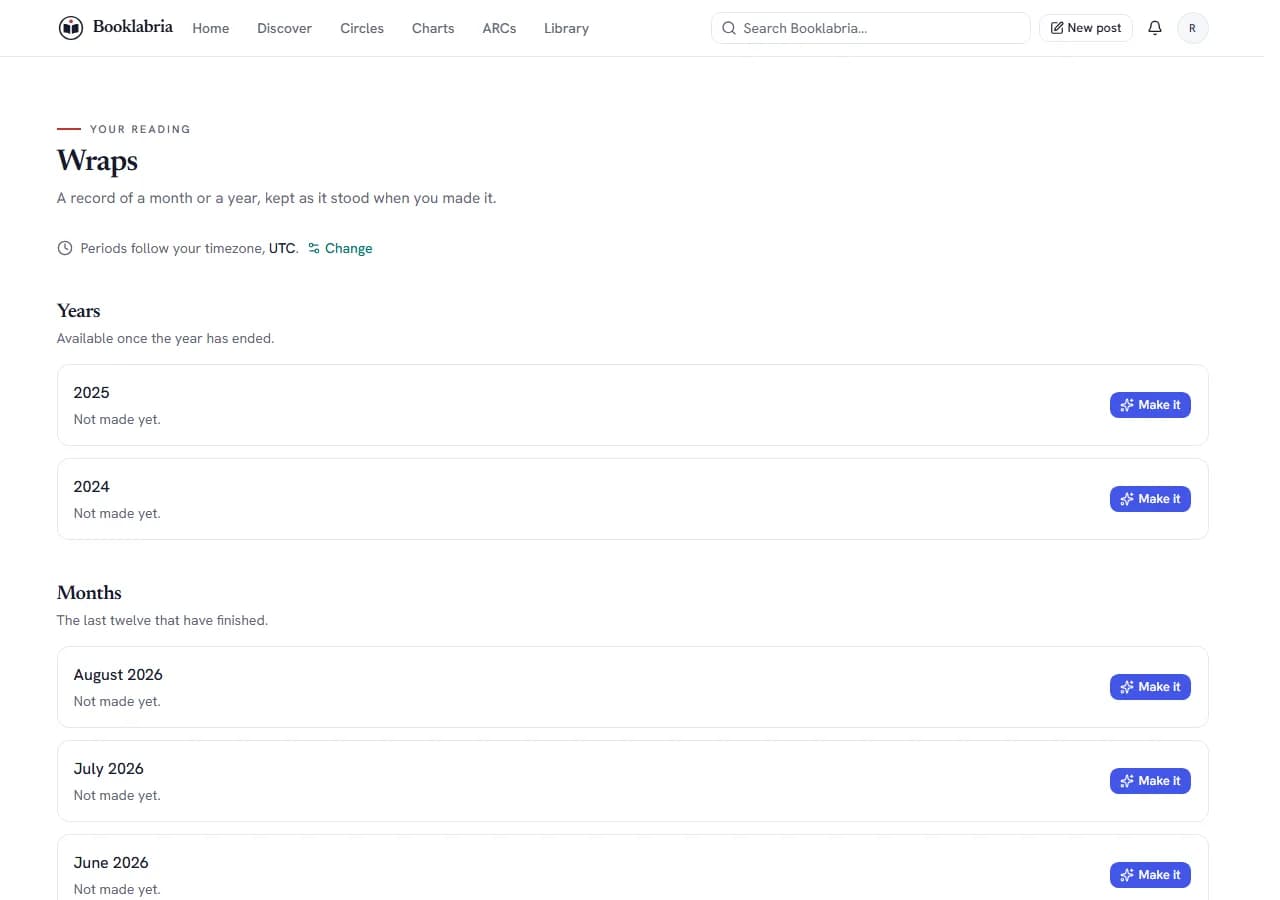
Making a Wrap
- Open Wraps (in the account menu).
- Under Months or Years, press Make it for the period (a year is available once it has ended).
- The Wrap is a record of the period as it stood when you made it. Make it again builds a new version from your library as it is now, so the numbers may differ; the version you have is kept, and any link you already shared keeps showing what you shared.
Sharing it
A Wrap is private to you until you make a link.
- On the Wrap, under Sharing, choose which sections to keep on; What a shared Wrap shows lists them. Your advance-copy record is kept off every shared version, always; anything you turn off stays in your own copy.
- Create link and Copy it. Anyone with the link can read it, no account needed. Nothing is posted anywhere.
- Take the link down at any time: a visitor who opens it afterwards sees that it was taken down, not your reading. You cannot un-send a link that was already opened; a new link will be different.
Authors
Wraps is a reader feature; an author account does not have it.
Where this lives
Related
- Reading insights: Insights shows what you read (genres, how you rate, themes you return to, pages where the length is known, when you finished), this year and all time, computed from your own shelves and progress; nothing is shared unless you make a Wrap.
- Reading goals: Goals tracks what you read against a target you set (books finished, genres explored, a series, one particular book and more) over a period, with optional reminders, on your profile or private; a goal can rest and resume without losing anything. Five at a time.
- Who sees what: profile visibility: Settings › Privacy sets your whole profile to public, followers only or private, and your library, reading progress, activity and follower list each on their own. Your follow-through is a fifth setting: by default only the authors you request a copy from see it. Author pages are public by nature; what an author keeps private is the library and activity.
Was this helpful?
Still stuck?
Still stuck? Ask Booklabria AI
It reads this article and the ones around it, and cites its source.
Write to a person
Support reads every note, with this article attached so the team knows what you already read.
Contact support